A service by IFN Cyber Zone New: Jan Seva Kendra, CSC & CSP software +91 9648186793 care@myifn.in WhatsApp हिंदी IFN Group
Login Free demo हिंदी

+91 9648186793 · care@myifn.in

IFNOne QR Auto Print

Customer scans, the print comes out

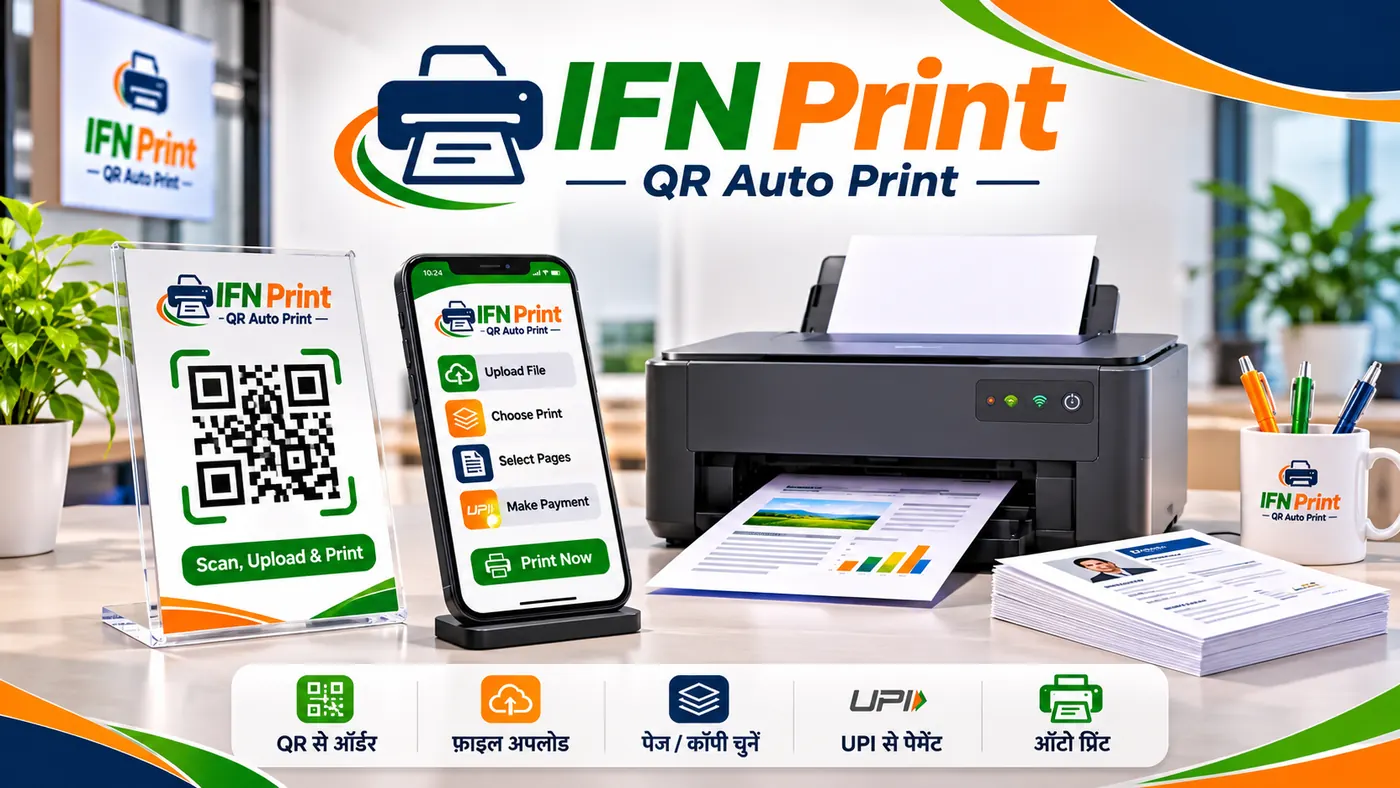
QR auto print system for print shops, photocopy centres, cyber cafes and CSCs. The customer sends a PDF or photo from the phone, picks copies and colour, pays by UPI — and the page comes out of your printer. No pen drive, no WhatsApp, no queue.

  • No new printer — use the one you have
  • Money straight to your UPI/bank, 0% commission
  • Customers download no app
ifnone.in/shop/live
Customer scans the QR and sends a print Customer file upload page
₹20 receivedUPI • Token #24
4 stepsScan → file → pay → print
0%Commission
B/W + Colouron separate printers
PDF • JPG • PNGpage range, copies, duplex
How it works

One QR on the counter, the rest is automatic

The customer's phone takes the order and the UPI payment, and your computer prints it.

  1. Scan the QRThe customer scans your counter QR poster with the phone camera.
  2. Send the filePicks a PDF/photo, copies, colour or B/W, pages and duplex — the price shows instantly.
  3. Pay by UPIPays with PhonePe, GPay or Paytm — straight to your account. Cash is optional too.
  4. Print readyOnce paid, the print agent prints on the right printer and the customer gets a token.
Complete QR print flow
Live print window

Every order at a glance, with sound

New orders appear automatically — awaiting payment, approve, printing, printed. For cash orders, take the money and press one button. Reprint in one click too.

  • Paid online = prints with no click
  • Cash order approval
  • Hand over by token number
  • Whole-day earnings
IFNOne Live print window IFNOne QR auto print on mobile
Printer setup

Windows print agent — in 5 minutes

Download the agent ZIP, keep it on the C drive, run install.bat and pick printers. The agent starts with Windows. Separate B/W and colour printers, A4/A3/Legal and duplex support.

  • Windows 10 / 11
  • Separate B/W and colour printers
  • Status check and troubleshooting
  • Chrome print-station option
IFNOne Printer setup
QR poster

A print-ready poster in 2 minutes

A clean poster with your shop name, QR and rates — several designs. Stick it on the counter or share the link on WhatsApp; customers can even send files from home.

  • Multiple designs
  • Shop link included
  • Linked to your rate card
  • A4 print-ready
IFNOne QR poster
Rate card

Your rates, your rules

B/W, colour, A3, Legal, 4×6 photo, passport sheet, ID card — a rate per page, duplex discount and minimum charge. The same rates are used in POS billing.

  • Duplex discount
  • Minimum charge
  • Photo and ID print rates
  • Linked to POS
IFNOne Rate card
More benefits

The whole print-shop job in one place

Payment lock

Results, designs or form copies — the file opens only after the customer pays.

ID cards & photos

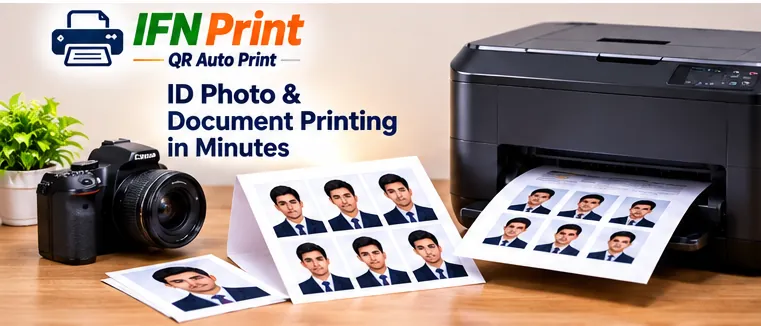
Aadhaar/PAN front and back on one A4, passport photo sheets with cutting lines.

Free tools

Merge/compress PDFs, scanner, resumes — customers make it and send it to print.

Auto file delete

Customer files are removed from the server after printing.

Customer chat

Customers ask from your page, you reply from the panel.

POS & full accounts

Print income goes straight into the cashbook and reports — with the full shop software.

In your shop

How it looks on your counter

Customers order themselves
Counter QR standee
Counter QR standee
From phone straight to the printer
Photo and ID print
Photo and ID print
Hand over by token
Hand over by token
For print shops and cyber cafes
Install the app

Install on your Android phone and Windows PC

Install IFNOne like an app — its own icon on the home screen or desktop, a separate window and fast start. No Play Store or setup file needed, under 1 MB.

Android phone / tablet

Run your shop on the go — bills, orders, dues and reports on your mobile.

  1. Open ifnone.in in Chrome
  2. Tap "Install app" (or ⋮ menu → Install app)
  3. Open IFNOne straight from the home-screen icon
Android 8+NotificationsOffline entry

Windows computer / laptop

Like desktop software on the counter PC — taskbar icon, POS and live print on the big screen.

  1. Open ifnone.in in Chrome or Microsoft Edge
  2. Click the ⊕ "Install" icon in the address bar
  3. Open IFNOne from the desktop / Start menu
Windows 10 / 11Windows print agentKeyboard shortcuts
FAQ

QR auto print — FAQ

Any printer that prints from your Windows 10/11 computer — HP, Canon, Epson, Brother and others.

No. The customer scans the QR with the phone camera and sends the file right in the browser.

PDF, JPG and PNG. Customers choose page range, copies, colour/B&W and duplex.

Yes. Turn on cash — such orders print only after you press "Payment received" in live print.

No. QR auto print is one part of IFNOne — the same plan includes POS billing, Jan Seva office, banking, staff & salary, website and all tools.

Put up your QR poster today

Try QR auto print with the complete IFNOne software in the free demo.

IFNOne Logo
Use IFNOne like an app on your phone
Print, Jan Seva office and banking accounts — one tap from your home screen. No Play Store needed, under 1 MB.
How to install